
Bring your lab history to Goodlabs
Upload results from Function Health, Superpower, Quest, or any lab as a PDF, photo, or text. Goodlabs reads every biomarker, asks you to check anything it isn’t sure of, and keeps it all in one place, for free.
How Goodlabs lab uploads work
- 1Upload your results
Upload your results
Add PDFs, photos of printed reports, or pasted text from any lab.
- 2
Check what needs a look
Goodlabs reads every value, unit, and date, then asks before saving anything it isn’t sure of. On a computer, each result points to its line in your file.
- 3Connect your AI
Use your history
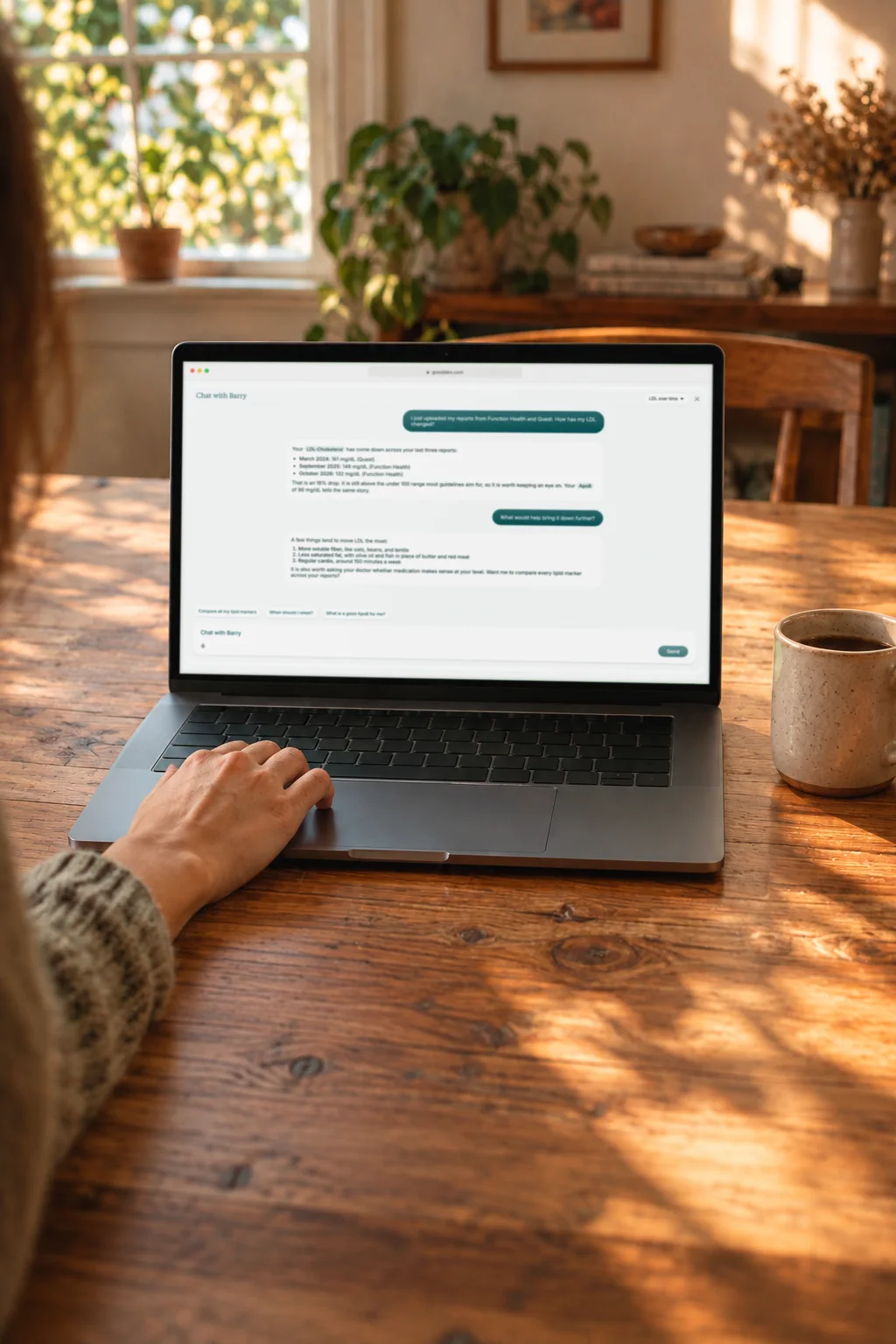
Compare results over time, ask Barry about them, or connect the AI you already use.
Free for everyone with a Goodlabs account. You don’t need to order tests, book a donation, or live in the US.
What Goodlabs lab uploads do
Any lab, any format
PDFs, photos, or pasted text from Function Health, Superpower, Quest, and more.
Checked against your file
Each result points to the line in your report it came from.
Asks before it assumes
A missing date or an unclear unit waits for you instead of hallucinating a result.
Fix many at once
Set a date or a unit across several results in one step.
One history over time
See every result together and how each marker has moved.
Ready for Barry and your AI
Ask Barry about any result, or read them in Claude or ChatGPT over MCP.
Why bring your results to Goodlabs?
Your results are spread across labs, apps, and inboxes. Here they become one history you can read, compare, and ask about.
Switch without starting over
Bring everything from Function Health, Superpower, Quest, or any lab, free.
Years of PDFs, one history
Old reports become results you can compare side by side, marker by marker.
Ready for your AI
Ask Barry about any result, or connect the AI you already use.
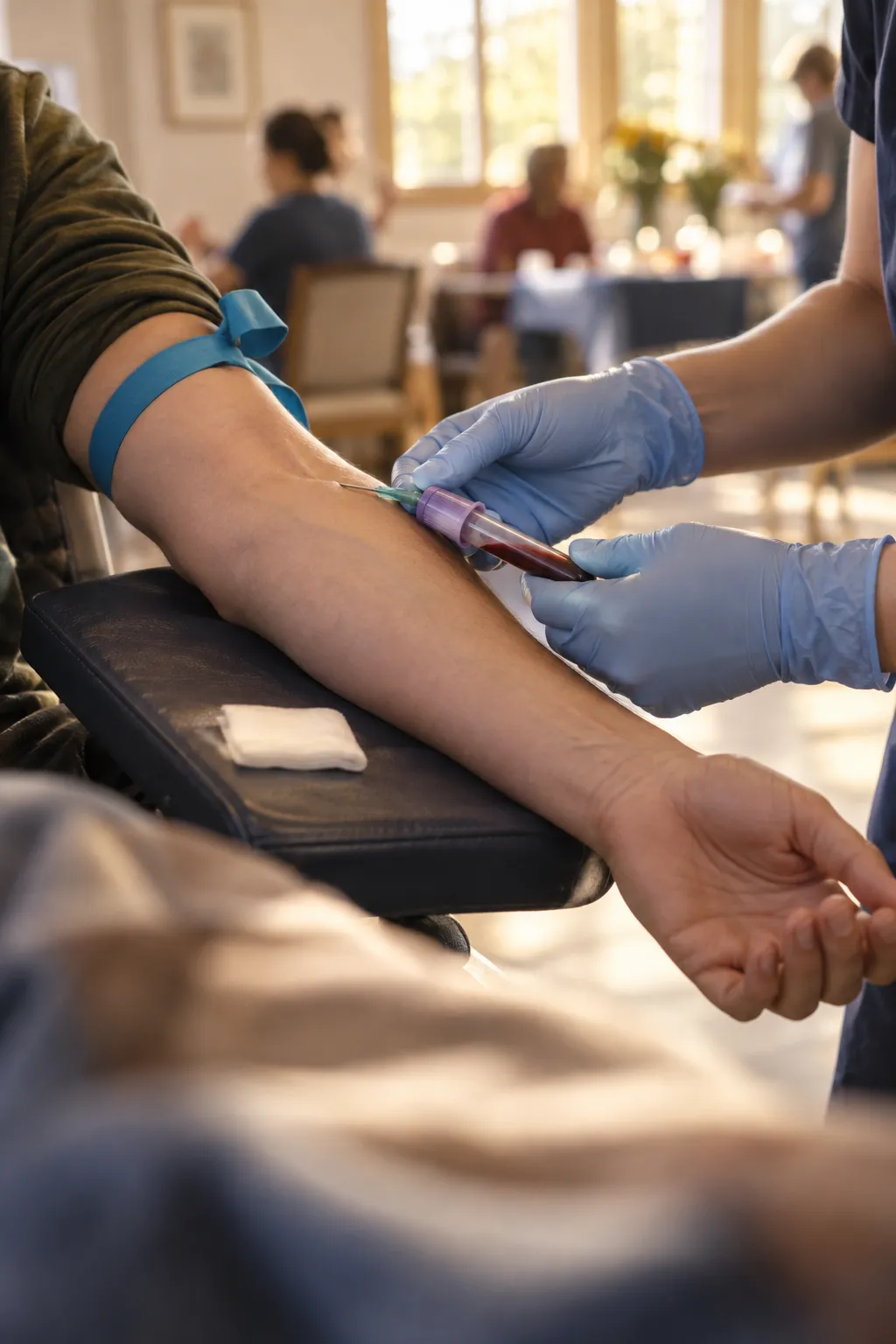

Just as easy on your phone
Upload a photo of a printout or a PDF, then review one result at a time.
- 1
Upload from anywhere
Pick a PDF or snap a photo of a printed report.
- 2
Review one result at a time
Fix a unit or add a date with a tap, with the reason right beside it.
- 3
Save to your history
Check your changes, save, and your results are ready to explore.
Common questions about Goodlabs lab uploads
Yes. Goodlabs lab uploads are free for everyone with a Goodlabs account, and there’s no limit on how many results you add.
Any lab. Upload a PDF or a photo of a printed report, or paste the text. Results from Function Health, Superpower, Quest, and other labs all work.
No. You don’t need to order tests, book a donation, or live in the United States to upload your results. You only need a Goodlabs account.
Goodlabs reads each biomarker, then asks you to review anything it isn’t sure of, like a missing date or a unit it can’t convert. Once you save, your results appear in your Health tab, where you can compare them over time and ask Barry about them.
Yes. Connect Claude, ChatGPT, or another MCP client to Goodlabs and it can read every result you’ve uploaded.
Connect your AIGoodlabs does not send information about your specific tests, test interests, or health information to advertising platforms. If you accept cookies, Goodlabs may use analytics to improve the product and may share limited events, such as when a booking is started or a purchase is made, to measure advertising performance. If you do not accept cookies, these analytics and advertising events are not sent. For complete details about how your information is handled, please review the Goodlabs Privacy Policy.
Read the Privacy Policy
Your lab history, in one place
Upload your first report in a few minutes. It’s free.